Boost Your Typing Efficiency: iPhone Keyboard Tips and Tricks
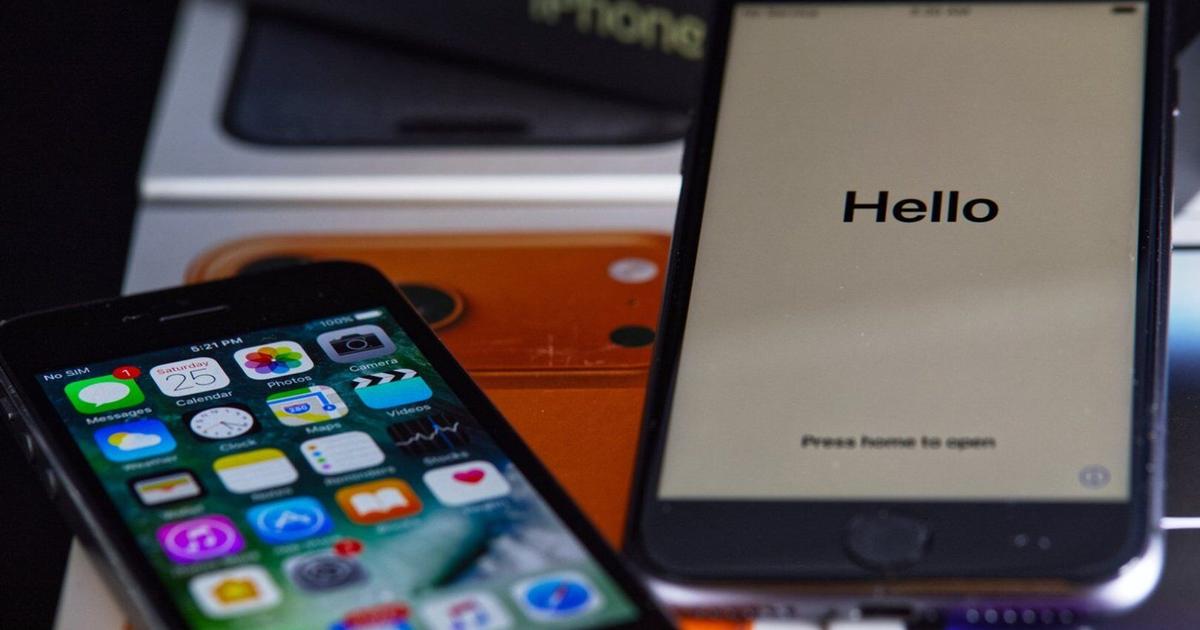
Writing on smartphones has become a common practice in our daily lives, whether it's texting friends, responding to emails, or posting on social media. Our smartphones have become indispensable tools for both work and personal communication. If you own an Apple iPhone, there are numerous keyboard tips and tricks that can enhance your typing experience and boost your smartphone skills.
One of the key features of the iPhone keyboard is the ability to access a variety of shortcuts and hidden functions that can make typing more efficient and convenient. By familiarizing yourself with these keyboard tips, you can save time and effort when composing messages or emails on your iPhone.
For example, did you know that you can quickly capitalize a letter by simply double-tapping the shift key on the iPhone keyboard? This handy shortcut can save you the trouble of manually toggling the shift key every time you need to capitalize a letter. Additionally, you can easily insert special characters and symbols by pressing and holding certain keys on the keyboard.
Another useful feature of the iPhone keyboard is the ability to create custom text shortcuts. By setting up text replacements in the keyboard settings, you can type a short abbreviation and have it automatically expand into a longer phrase or sentence. This can be particularly helpful for frequently used phrases or email addresses.
In addition to these shortcuts, the iPhone keyboard offers predictive text suggestions that can help speed up your typing. As you type, the keyboard will suggest words and phrases based on your input, allowing you to quickly select the desired option with a tap. This predictive text feature can be a time-saving tool for composing messages and emails on your iPhone.
Overall, mastering the keyboard tips and tricks on your iPhone can significantly improve your typing efficiency and productivity. By taking advantage of these hidden shortcuts and functions, you can enhance your smartphone skills and make the most of your iPhone's keyboard capabilities.